With over 30 videos covering everything from Showit basics to blog setup, there's a tutorial for every step of the process.
Showit Tutorial Library: From Start to Showit


Everything you need to know about Showit's plans and how to get started with your free trial.
Subscribing to Showit
01.
Everything you need to know about Showit's plans and how to get started with your free trial.
Installing Your Template
02.
How to update your fonts, colors, and overall styling to match your own brand.
Applying Your Branding
03.
How to get all of your images and videos into your Showit media library before customizing.
Uploading Photos & Videos
02.
How to clean up your template before customizing and how to launch a Coming Soon page first.
Preparing Your Template
03.
Learn how to add brand new pages and sections to your template
Adding New Pages & Canvas
02.
Installing & Preparing Your New Template
A full walkthrough of the Showit builder so you know exactly where everything is before you begin.
Showit Basics Overview
01.
How to customize and style design elements such as buttons, borders, lines, shapes, and icons.
Styling Design Elements
02.
How to swap out placeholder text and set up all of your buttons and clickable elements.
Updating Copy & Links
03.
How to use Showit's alignment and grouping tools to keep everything looking clean.
Aligning & Grouping
02.
How canvas views work for testimonials, galleries, and sections that display different content.
Canvas Views & Sliders
03.
How to choose between Showit's form builder or embedding a third party form through your CRM.
Contact Form Tutorial
02.
Customizing Your New Template
How mobile design works in Showit and how to make sure your site looks just as good on a phone.
Mobile Design & Menu
03.
How to add simple animations like hover effects and fade ins to bring your website to life.
Effects & Animations
02.
Feature-Specific Tutorials
The tutorials above cover everything you need to customize any of our templates. Some templates include unique features like side menus, affiliate shops, or other sections that aren't part of every design, so they need their own dedicated walkthrough.

Image Overlays
For: Lauren, Jessie, Lorelei, Bare Beauty

Dropdown FAQs
For: Stacey, Olive

Pop Up Gallery
For: Jaclyn, Hailey, Sunny

Pop Out Menu
For: Dominique, Sunny, Daisy

Sticky Effect
For: Lorelei, Blair

Marquee Banner
For: Karina, Haven
How to display a live Instagram feed and connect your social media profiles to the social icons.
Insta Feed & Social Links
01.
How to connect a booking tool to your website based on your industry and business needs.
Appointment & Call Scheduler
02.
How to connect your email marketing platform for freebies, and growing your newsletter list.
Newsletter Forms & Popups
03.
What you need to know about selling products or services through your Showit website.
Adding an Online Store
02.
Third-Party Integrations
An overview of how Showit and WordPress work together, and how to set it up properly.
How Blogging Works
01.
How to write, format, and publish posts in WordPress. This also covers the Yoast SEO plugin.
Publishing Blog Posts
02.
Blogging With WordPress & Showit
An overview of the free Google tools to set up after launch to help your site get discovered.
Get Found with Google Tools
01.
How input SEO page titles, descriptions, and other tips to help you rank on search engines.
Showit SEO Settings
02.
How to connect your domain, set up redirects, and get your website live with confidence.
03.
Connecting Your Domain
What to have in place before going live, legal page recommendations, and best time to launch.
Website Launch Tips
02.
Launching Your New Site
Can we celebrate with you?
now celebrate + show it off!
We'd love to hear about it! Fill out our short review form and as a little thank you, you'll receive 25% off any add-on page template. It only takes one minute and it genuinely means the world to us as a small business!


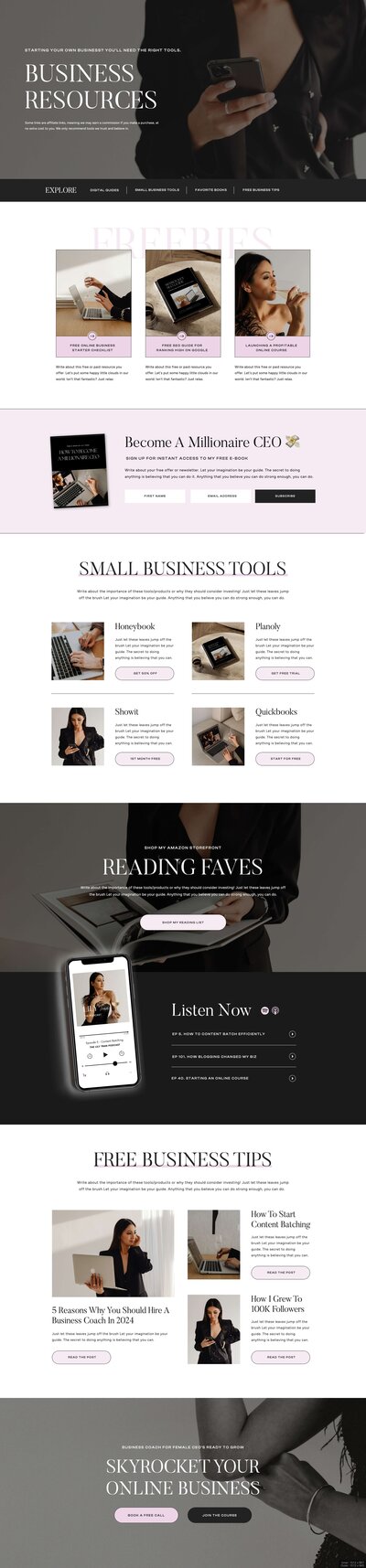


Sometimes you find the perfect template but don't have the time (or patience!) to DIY it yourself. Whether you're swamped with client work, not feeling confident with the techy side, or just want to hand it off to the pros, that's where our semi-custom template customization services come in.
Want us to customize a website template for you?
We're here to take this huge to-do off your plate. So you can focus on running your business, and we'll focus on customizing and launching your new site!